Pro-Diagnostic Desktop (PDD)
The station app an operator actually stands in front of. Several devices on one bench at once, each running its own suite, each reporting to the same Control Center — on a Windows station or a Mac.
What it does
A device is plugged in, identified, and put through the suite its program calls for. Automatic tests run with no operator action; guided tests are handed to the operator one screen at a time, in a fixed order, with the instruction on screen. The result is one record per device, sent to Control Center and available as a certificate.
- 133 tests on Android, 83 on iOS
- 7,000+ Android models; 90 iOS models across 4,500 variants
- Several devices processed simultaneously on one station
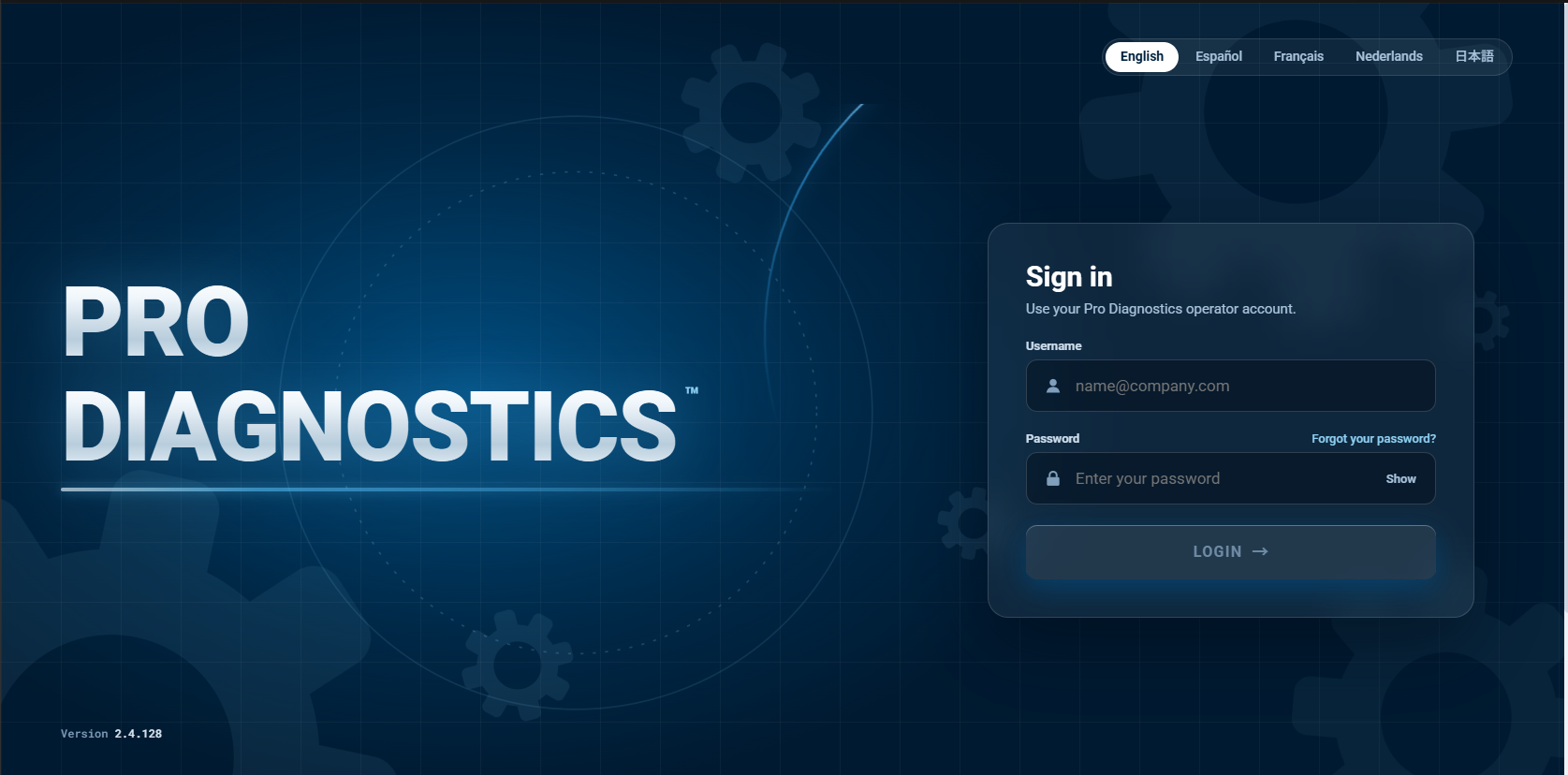
- Seven operator languages: EN · ES · FR · DE · IT · JA · NL
The station app
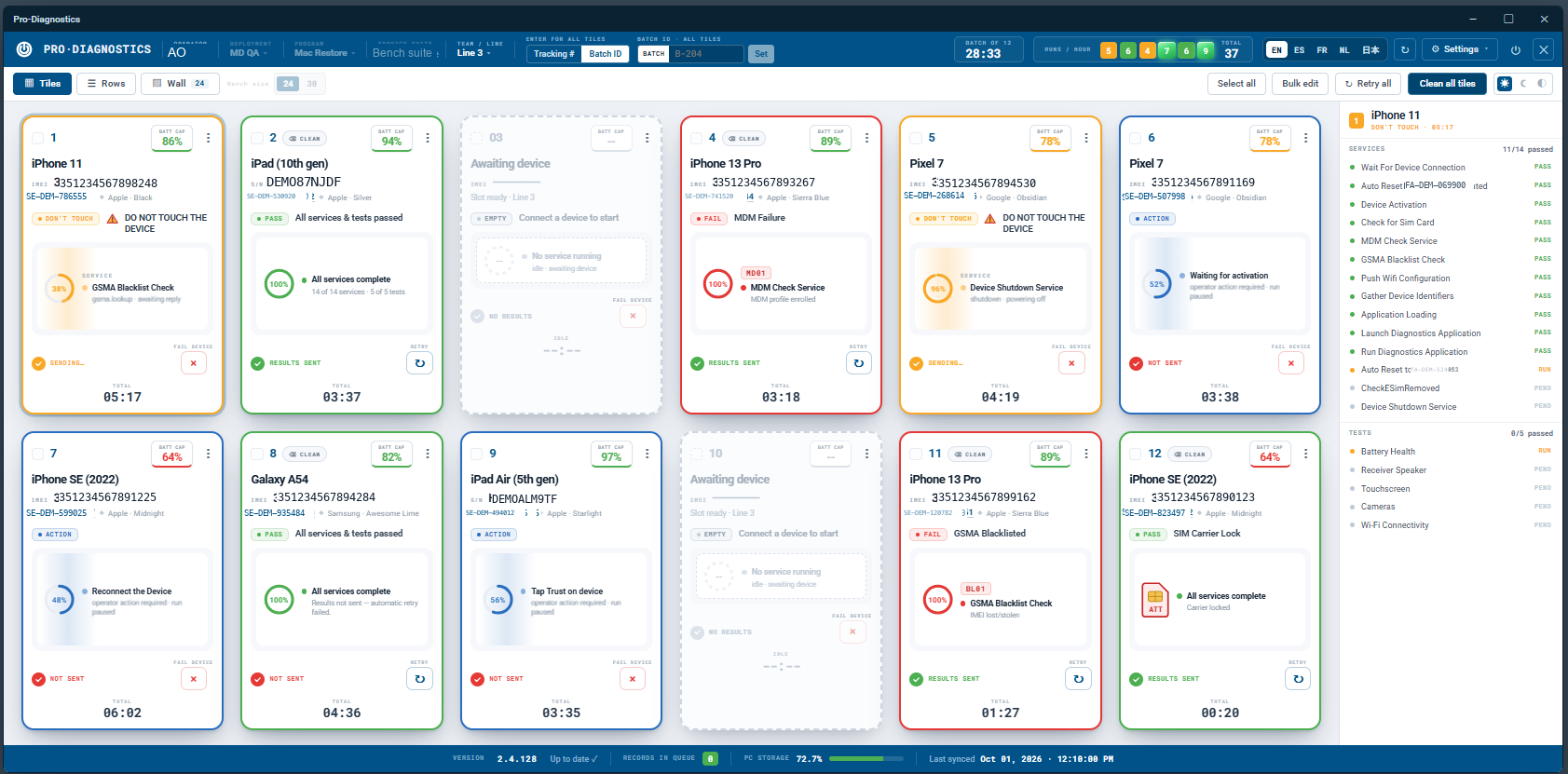
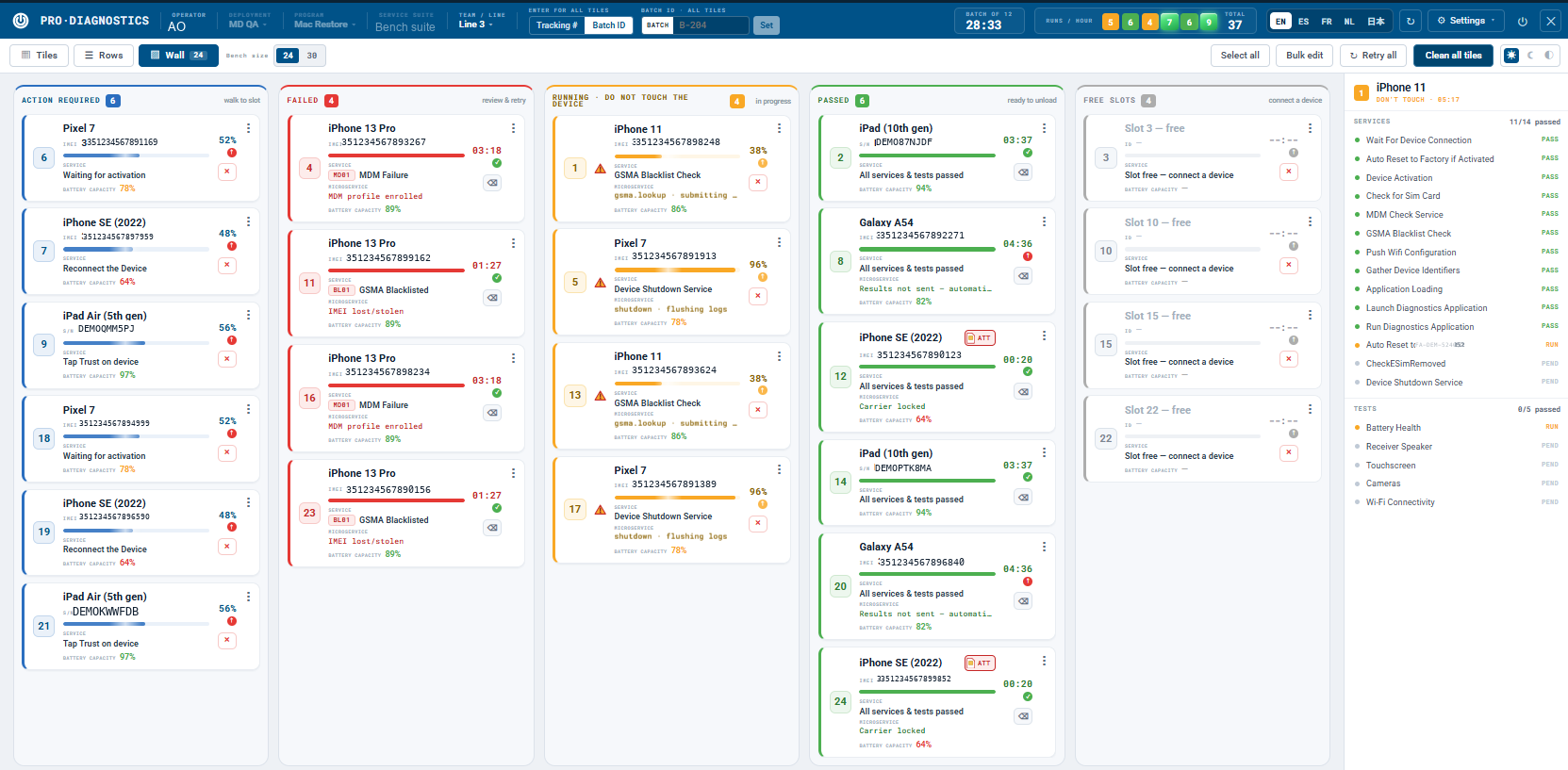
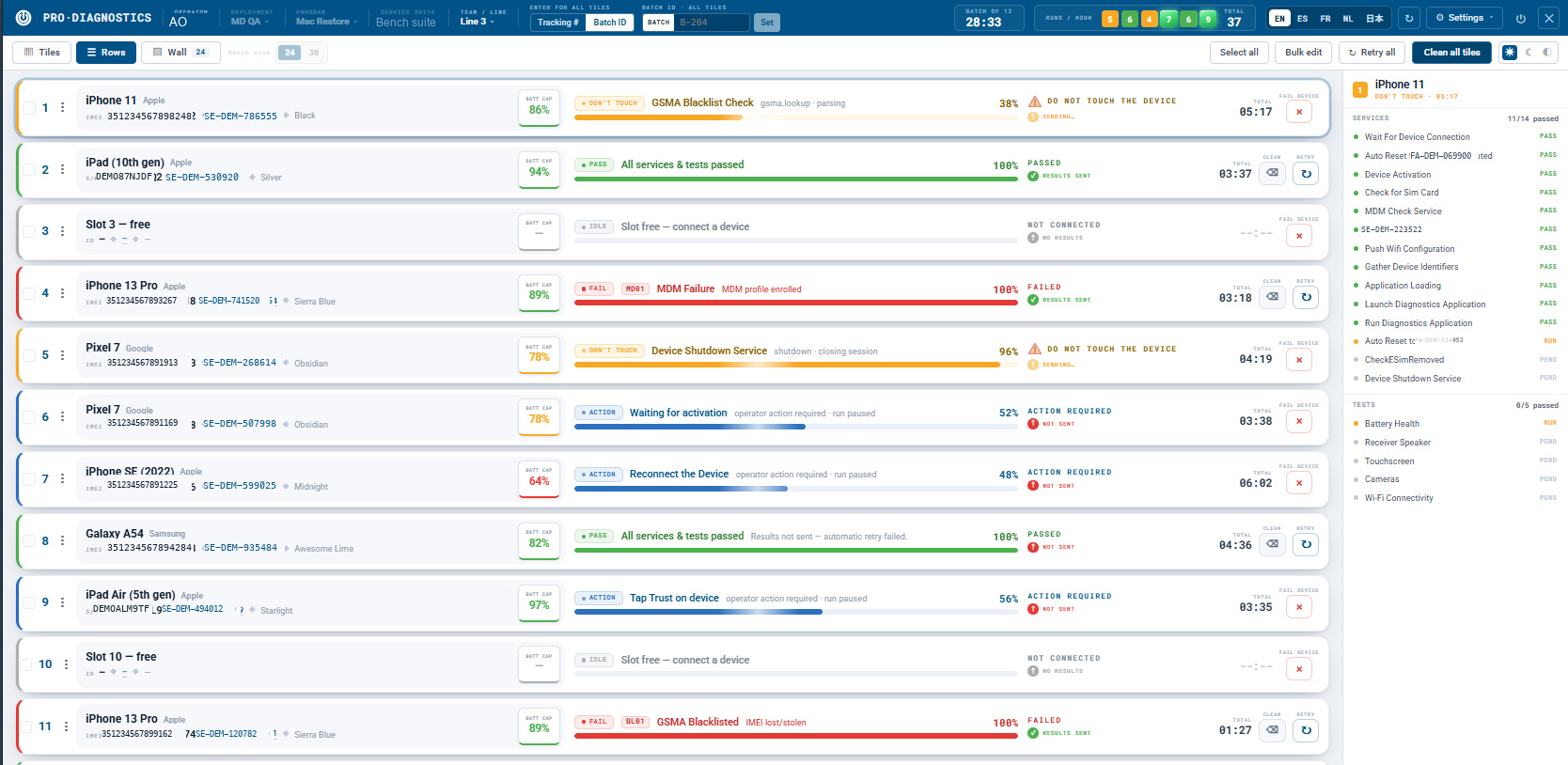
The desktop app is the floor's working surface: every connected device as a card, every service it is running, what it is waiting on, and how long it has been there. Three views of the same bench — tiles for detail, rows for density, the wall for triage — plus a failure that names its own reason on the card rather than in a log.
- Tiles, rows and wall views of the same bench
- Per-slot service state, battery capacity and elapsed time
- Bulk edit, retry all and clean all across the bench
- Batch and tracking identifiers applied to every slot at once
- A failure names its service and reason on the card
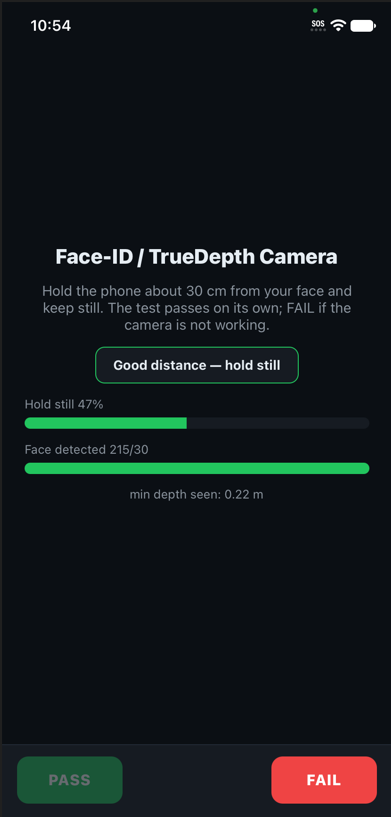
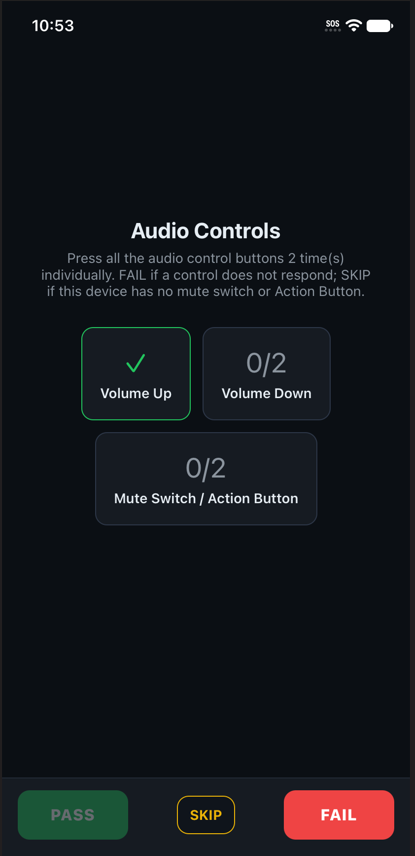
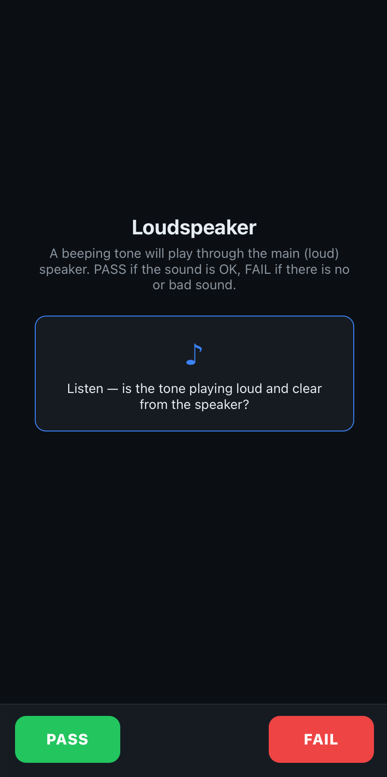
Guided tests that measure
A guided test that only asks the operator whether something worked is an opinion with extra steps. These report what they observed — depth readings, button counters, signal values — and the operator confirms against evidence rather than memory.
- Hardware a device does not have is skipped, never failed
- A fail opens the fail-code picker, so the reason travels with the record
- Operator overrides are recorded as overrides, not as passes
Windows or Mac, same bench
The station runs on either host. It is the same product on both: the same test suites, the same fail codes, the same programs defined once in Control Center, and the same record format — so a mixed floor stays on one set of numbers and device history does not fork by operating system.
- Same test suite on Windows and macOS
- Same Control Center programs, fail codes and reporting
- Same record format, so history does not fork by host
- A floor that already runs Macs does not have to buy Windows machines
Lock and fraud detection
Checked automatically during the run, not as a separate pass: Apple ID and Find My, GSMA Lost & Stolen, FRP, passcode and lock-screen detection, fake-device detection and non-OEM replacement parts. We report what we find. We do not remove or bypass locks.
Put it on a bench and see.
Run your own devices through it, on your own floor, against your own grading scale. No credit card, and no sales call before you start.